Apple silicon Mac
The current tester guide is for Apple silicon and macOS 26 or later. Intel has limited contributor reports in the compatibility wiki; this hosted guide covers Apple silicon. Windows and Linux are outside the project’s scope.
 ASFireWire
I started ASFireWire to keep working FireWire audio gear usable on modern Macs. It uses DriverKit to rebuild parts of the FireWire stack for audio interfaces, DV cameras, and SBP-2 storage.
I test it on real hardware and publish device reports, along with what remains unknown and where the limits are.
Signed and notarized builds. Read the installation requirements.
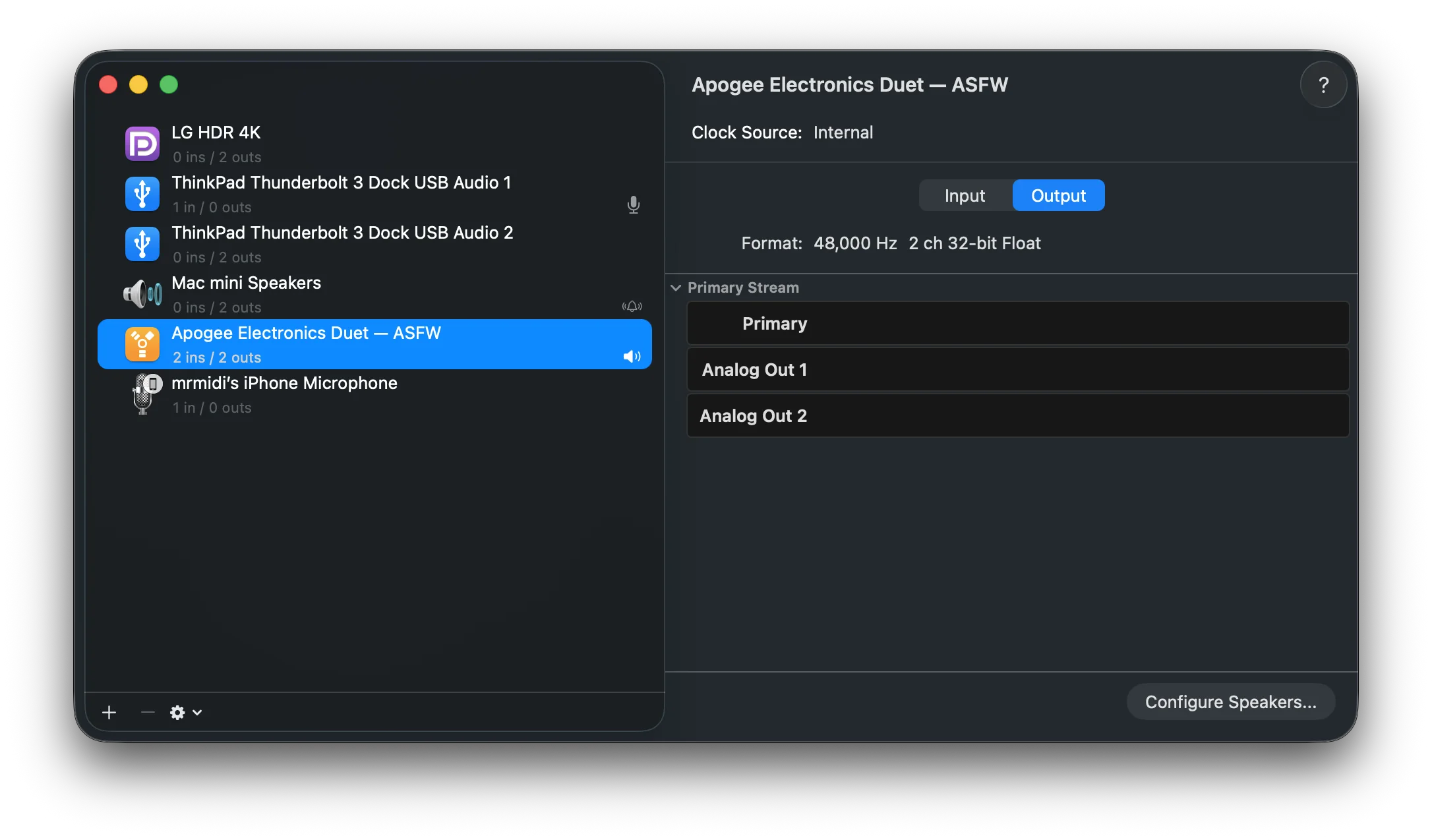
FireWire was supported on Macs from System 9 through 2025. Some manufacturers stopped supporting their devices years earlier; others still worked and sounded great, but lost their macOS support when Tahoe removed the FireWire stack. I understand the choice: keep maintaining legacy FireWire support inside macOS, or retire it. I wanted to see whether I could rebuild the useful parts in a separate project.
I love audio, so I started ASFireWire to try that rebuild. Later, contributors joined in and helped extend the work to DV cameras and SCSI scanners. Film scanners are great machines too.
Code, protocol work, and sustained testing on real hardware have helped shape ASFireWire.
Initial Midas Venice F32 work on the DICE audio path.
Initial MOTU V2 implementation work.
DV capture hardening.
Initial SBP-2 implementation work.
Initial DV capture support.
Midas Venice F24 testing in real Pro Tools sessions, helping improve the overall architecture and shared DICE stack.
Substantial work on DICE support for the Avid Mbox Pro, 3rd generation.
Initial PreSonus implementation work.
SBP-2/SCSI development, bringing FireWire storage-class compatibility to the project.
This is an incomplete selection. Many others have helped through code, hardware testing, reports, and investigation. See the code contributors and hardware-test credits. If I forgot you, ping me.
ASFireWire works at the system level, so trying it has real tradeoffs. I want those to be clear before you install it.
The current tester guide is for Apple silicon and macOS 26 or later. Intel has limited contributor reports in the compatibility wiki; this hosted guide covers Apple silicon. Windows and Linux are outside the project’s scope.
Apple approved the required entitlements. The hosted 0.5.0 build is signed and notarized and installs with SIP enabled. Follow the installation guide to approve the driver extension.
Support is not always tied to a single model. It depends on what protocol a device speaks and what information it exposes. The hardware page shows confirmed reports and known blockers.
Audio, DV camera, and scanner test reports are collected on one page. The hardware page lists real test reports, not every device that may work. If your device is absent, try it and share the result.
Real screenshots from a development system. They show what macOS and the ASFW app displayed at capture time; they are illustrative and do not replace the hardware test results above.
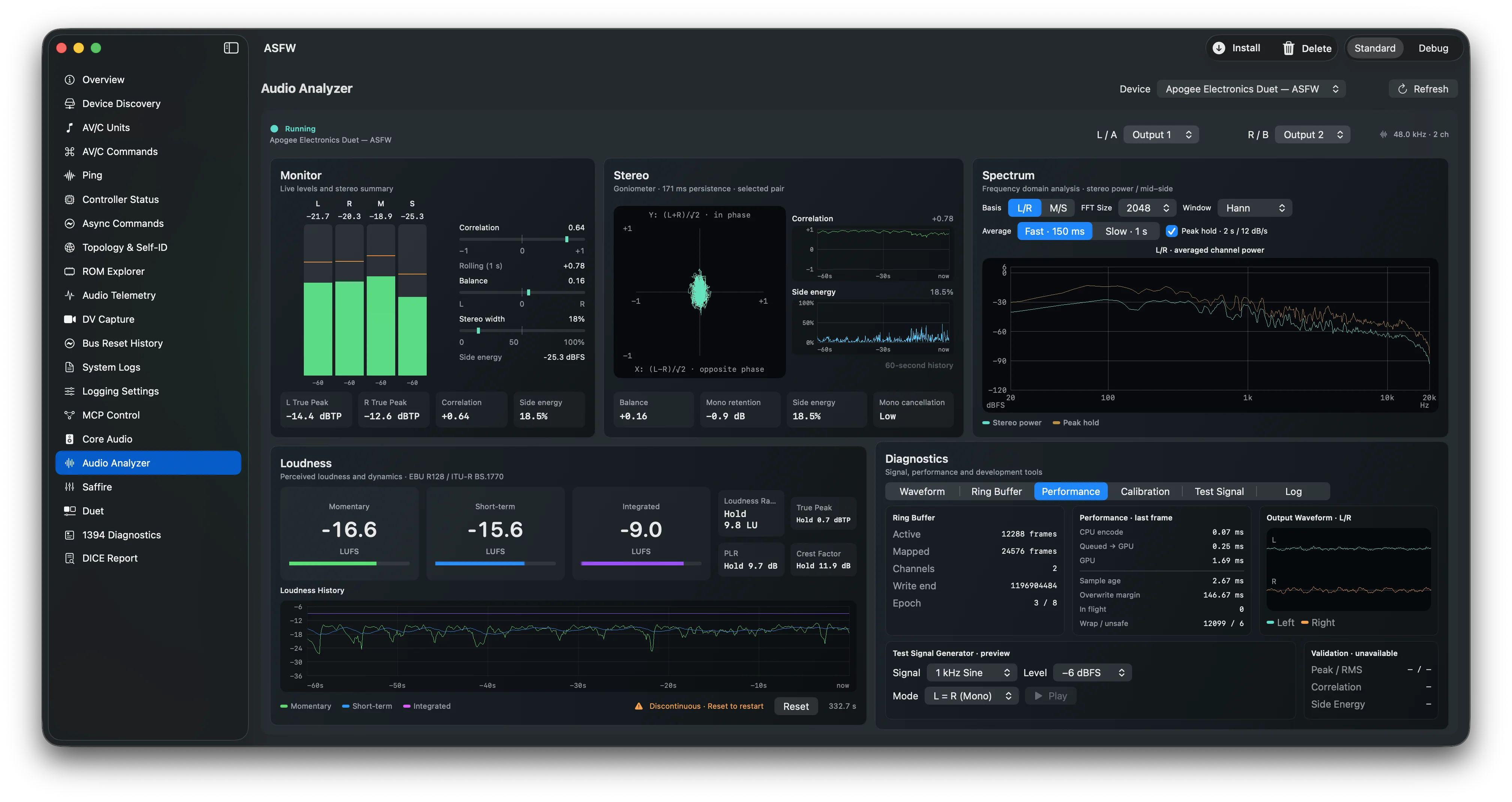
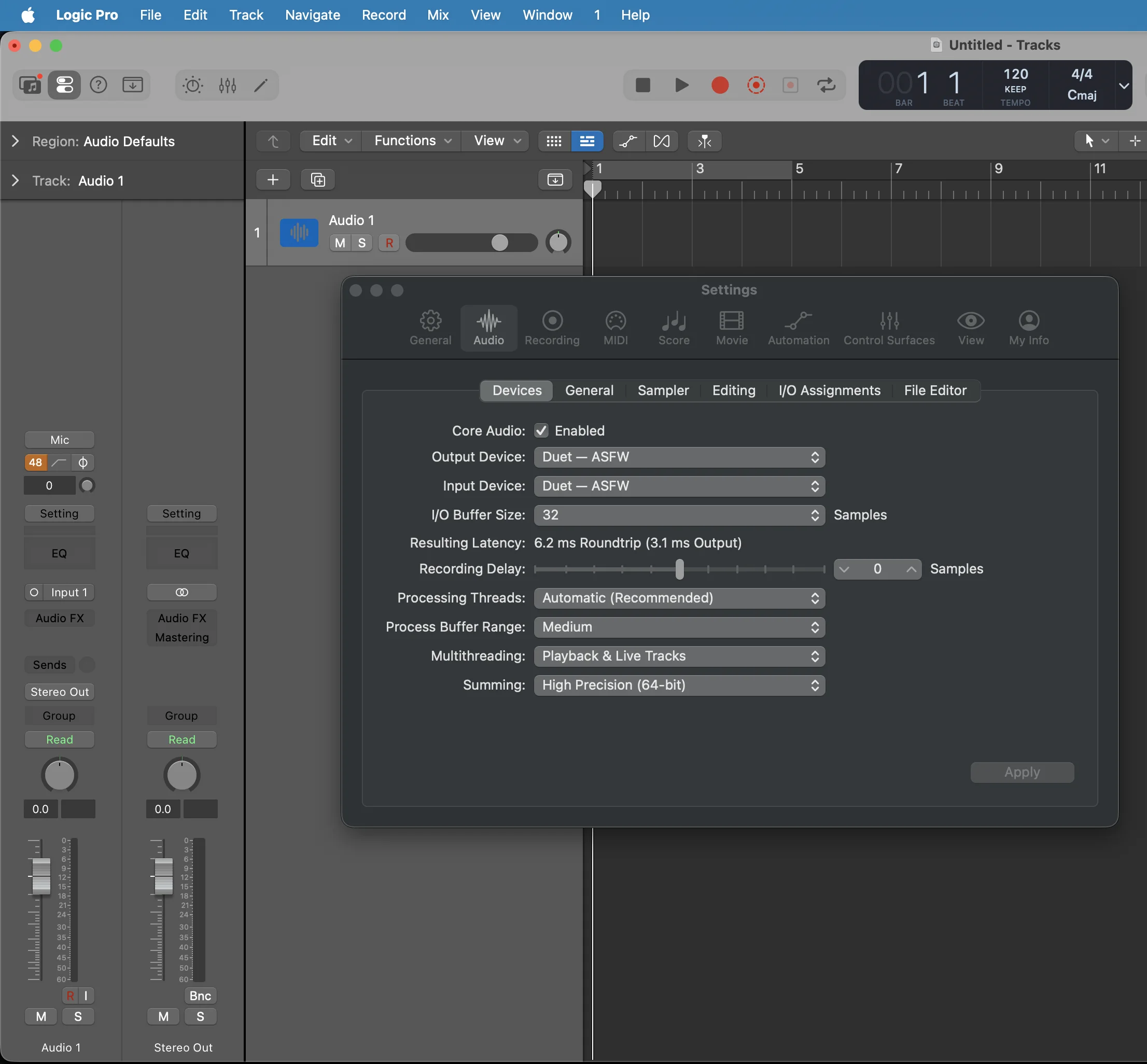
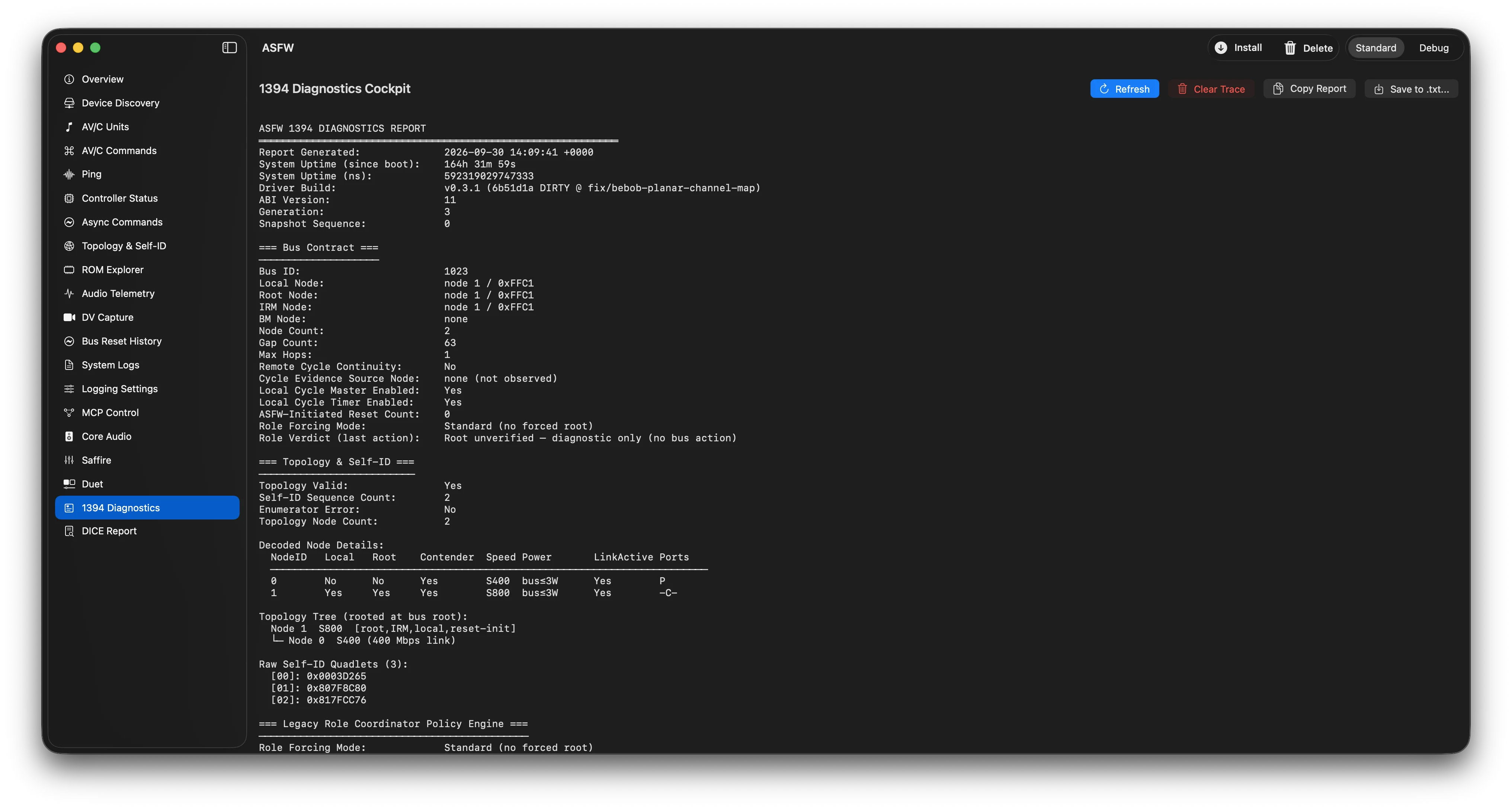
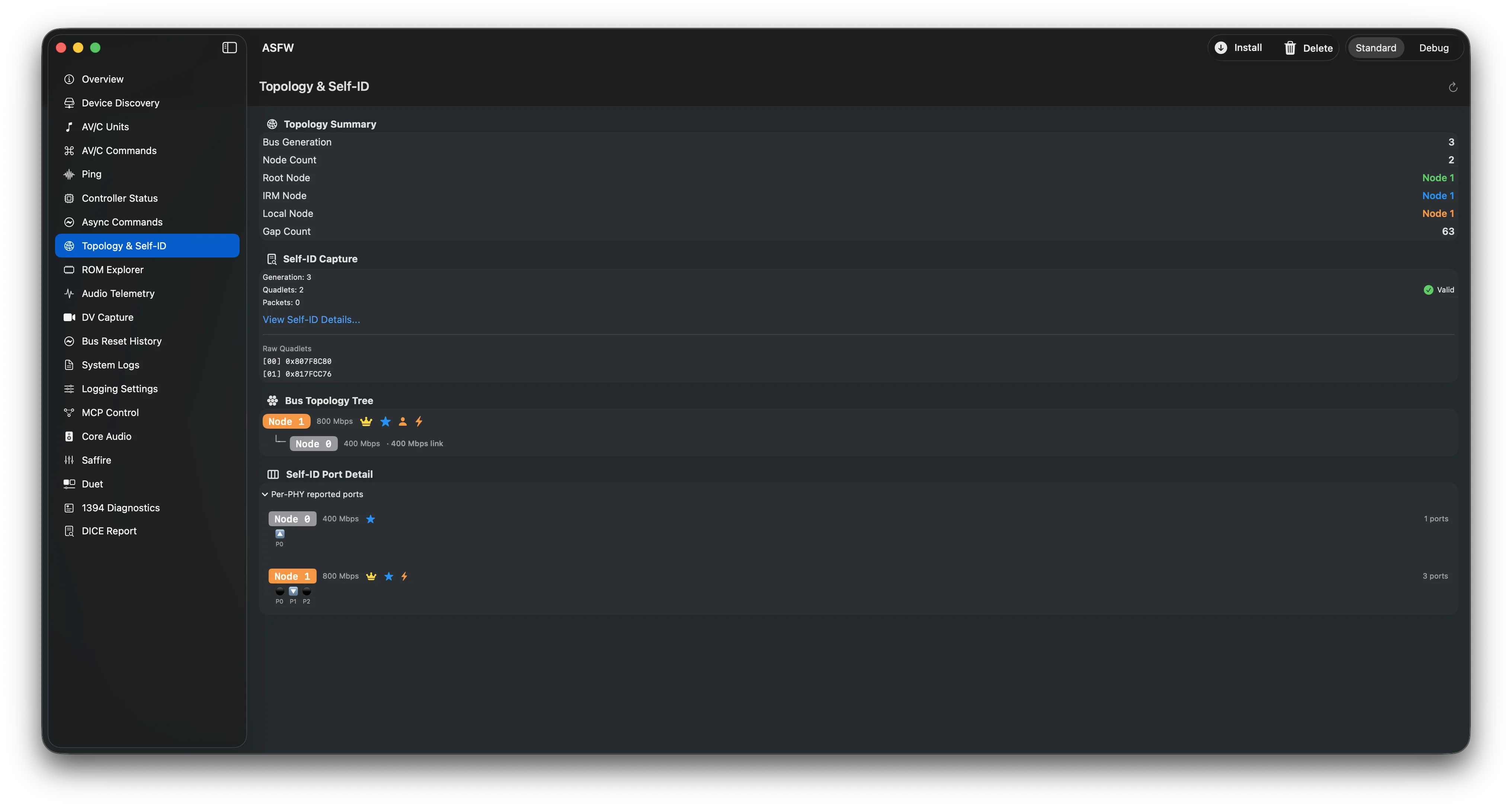
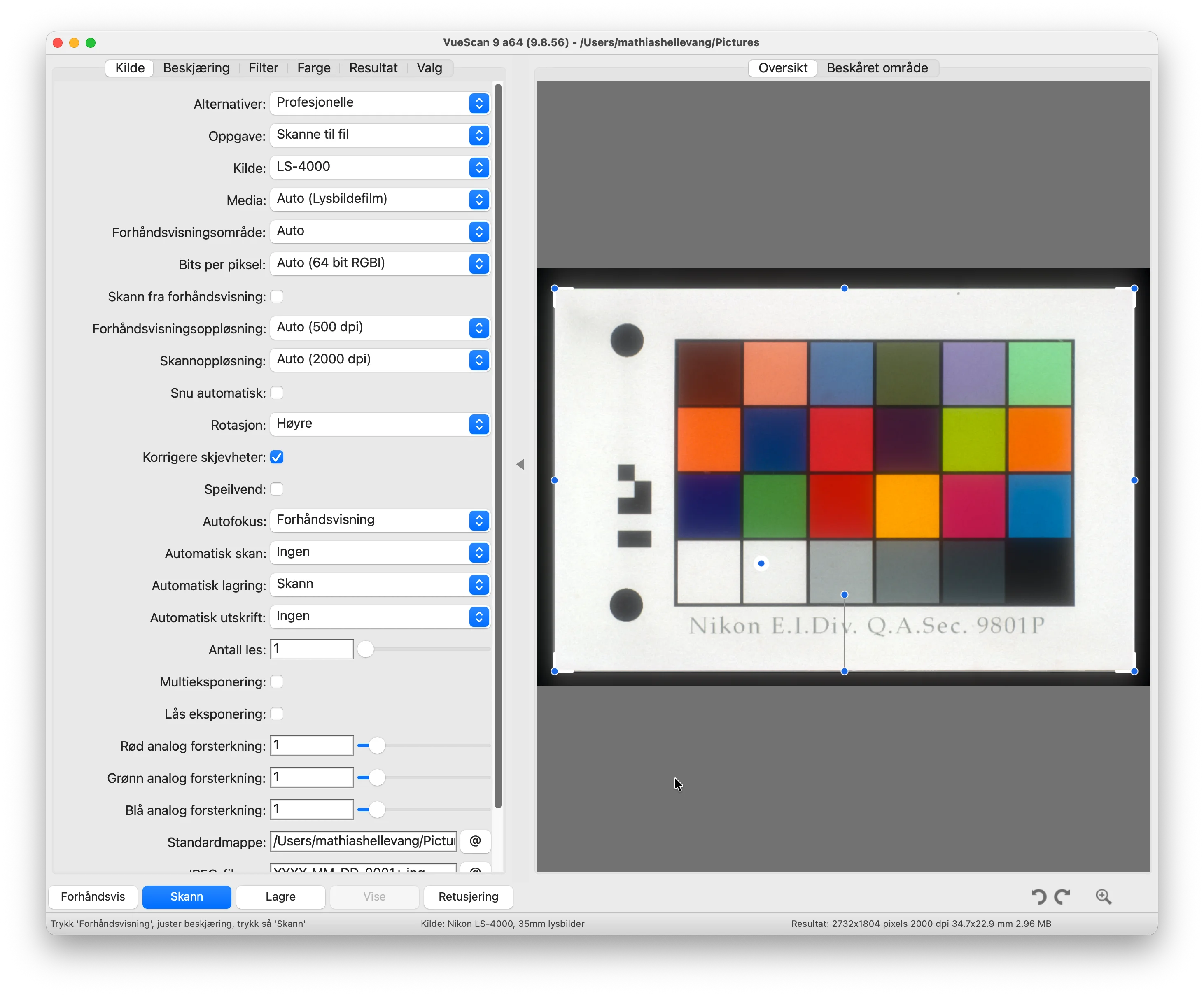
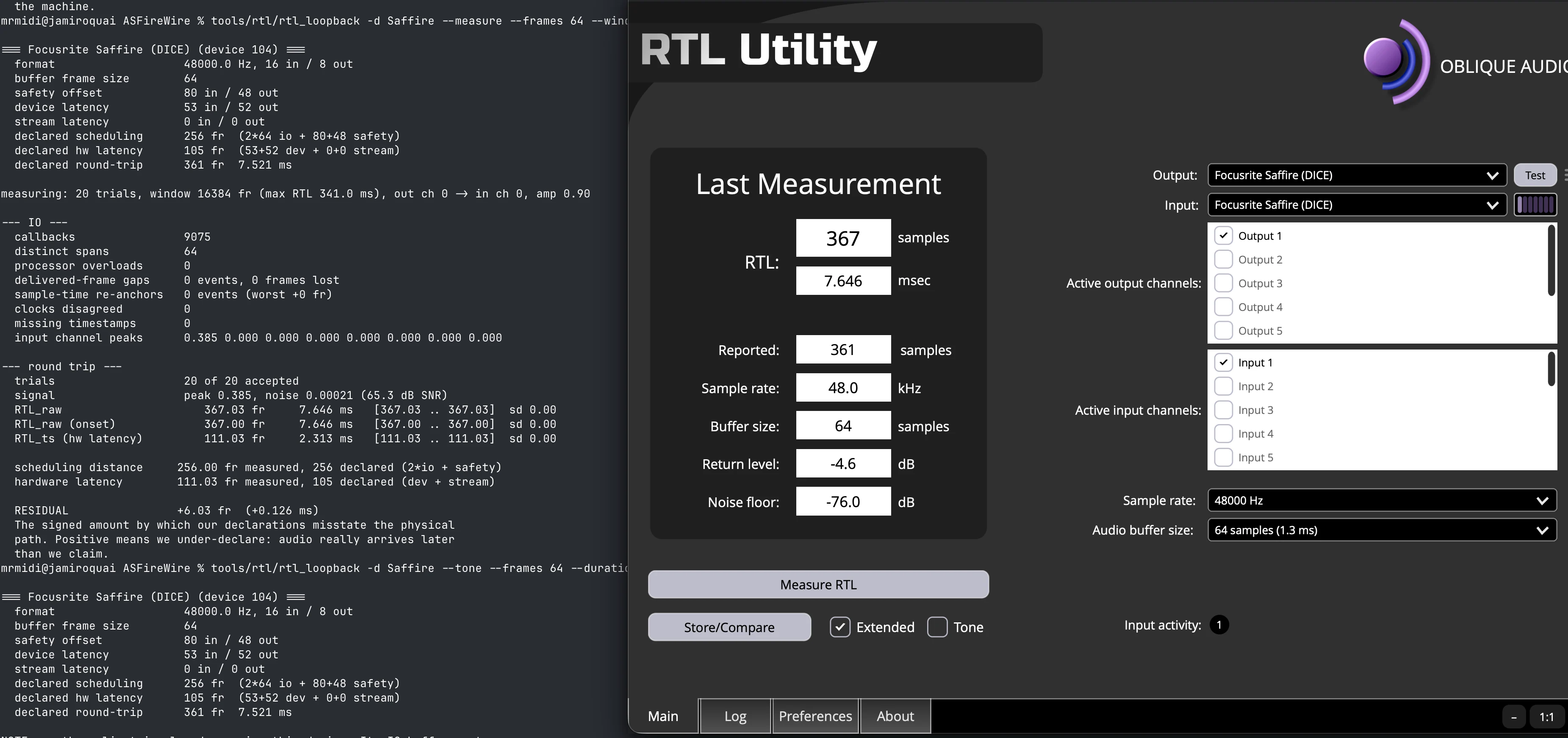
Choose a device type to follow the software and hardware path. For implementation details, browse the driver source and project documentation.
Browse the source ↗A DAW asks macOS to play or record. The same route carries recorded audio back to the app.
Audio uses isochronous packets for the live stream. Separate asynchronous transactions handle discovery and device control. The ASFW app installs and manages the driver; it is not in the audio path.
Download the signed and notarized hosted build, then read the installation and safety steps before using it.
Read installation guide ↗Generate the Xcode project, build and sign locally, then explore the driver and app source.
Build & signing guide ↗If it didn’t work, tell me what happened. If it did, share that too so others know what’s been tested.
Share your result ↗The wiki records tested devices, host configurations, and known limitations. Use the installation guide for the current signed build.
Release notes and hardware updates from the project.
Build 33 adds Device Controls, DICE MIDI, round-trip latency measurement, Prism Sound Orpheus support, and updates for RME Fireface 400/800. Signed and notarized; SIP stays enabled. Uninstall the previous driver extension before upgrading. Do not use it on a production Mac; a low-level driver can still crash macOS or cause a kernel panic.
Fixes AV/C startup when playback and capture plugs initially report different sample rates, and hardens CMP timeout reconciliation and disconnect cleanup. Read the tagged release notes or browse all GitHub releases.
If you have FireWire hardware, share a test result—even a failure helps. If you work on macOS systems, audio, or FireWire, contributions to code and documentation are welcome.
ASFireWire is free and open source. Financial support helps me cover everyday living expenses and development tools, so I can keep developing and maintaining it.